Podcast cover art requirements: the real rules, minus the myths
Apple sets no 512 KB limit and says nothing about DPI. Here's what it actually checks, what its artwork errors mean, and how to make show art that stands out.
Apple has no 512 KB limit for podcast artwork. Its current pages don’t mention DPI at all.
Both “rules” show up in guide after guide, and neither is on Apple’s own pages. They come from podcast hosts’ limits and old spec sheets, copied until they sounded official.
What Apple actually checks is short and easy to pass. This guide sticks to the official rules, marks the ones your host adds, and shows you how to make art people pick out of a crowded grid.
The short answer
Make your show art a 3000 x 3000 pixel JPG, in RGB, with no transparency. Give the file a new name every time you change it. Then check one number with your podcast host: its file size limit, which can be as low as 512 KB.
That passes Apple Podcasts, Spotify and YouTube.
What you’ll learn
- What Apple, Spotify and YouTube each ask for, straight from their own pages
- Which common rules are real, which come from your host, and which are myths
- What Apple’s artwork error messages mean, and how to fix each one
- Why new art doesn’t show up, and the one change that fixes it
- When episode art is worth it, and how to make show art that stands out
What are Apple’s podcast cover art requirements?
Apple wants a square JPG or PNG between 1400 x 1400 and 3000 x 3000 pixels, in RGB, with no transparency. Its show cover template is 3000 x 3000, and Apple says the largest size is preferred.
| Apple checks | The rule |
|---|---|
| Size | 1400 x 1400 to 3000 x 3000 pixels. Apple prefers the largest |
| Shape | Exactly square |
| Format | JPG or PNG, with a file extension that matches the file |
| Transparency | None. No alpha channel |
| Color | RGB only. Not CMYK, not grayscale |
| File name | Plain letters and numbers |
| Hosting | A server that answers Apple’s checks. Your podcast host takes care of this one |
Apple’s artwork policies add the content rules:
- Only use images you have the rights to. Stock photos need a commercial license and can’t carry a watermark.
- No Apple logos or Apple devices. No iPhones, no AirPods, no Apple Podcasts badge.
- Don’t point to other apps. Your art shouldn’t mention content that isn’t on Apple Podcasts, so “Listen on Spotify” is out.
- No explicit or harmful images or language.
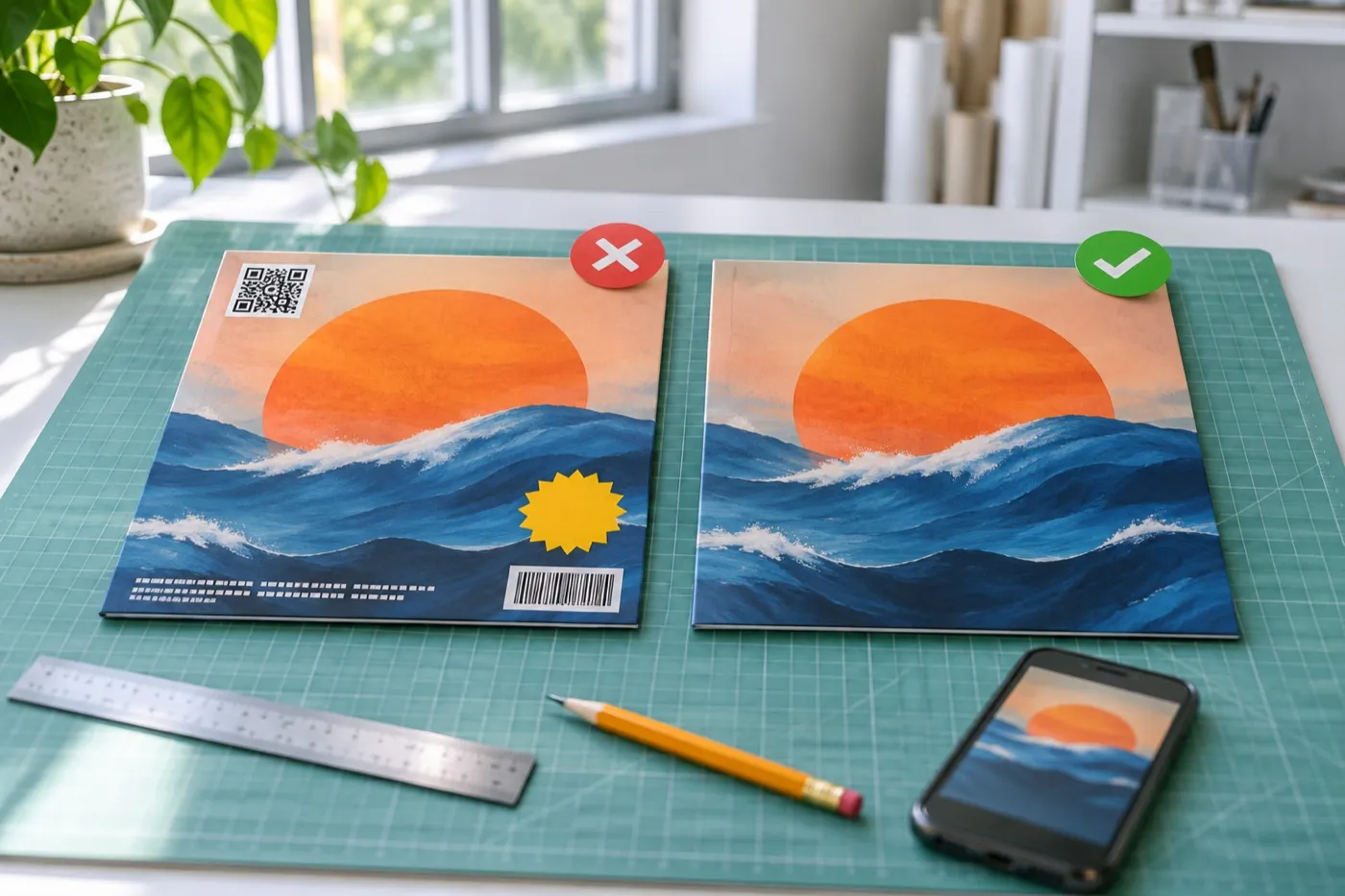
- Nothing blurry or pixelated, unless it’s clearly a deliberate style.
Does Spotify have different podcast cover art requirements?
Not really. Spotify asks for a square image at the highest resolution you have, as a TIFF, PNG or JPEG. Its podcast delivery specification sets no minimum or maximum size, so a file that passes Apple passes Spotify.
The pixel numbers you’ll see quoted for Spotify, 640 to 10,000, are its rules for music. They apply to album and single covers, not podcasts.
What size should a YouTube podcast thumbnail be?
1280 x 1280 pixels, square. For podcasts, YouTube recommends a square thumbnail, not the usual 16:9.
Three things catch people out:
- RSS shows become still videos. If you bring your podcast to YouTube by RSS, YouTube turns your show art into a static image video for each episode.
- Show details don’t update from your feed. When you change your art, change it in YouTube Studio too.
- Video episodes need a 16:9 thumbnail. If you film your episodes, make a wide version of your art for them.
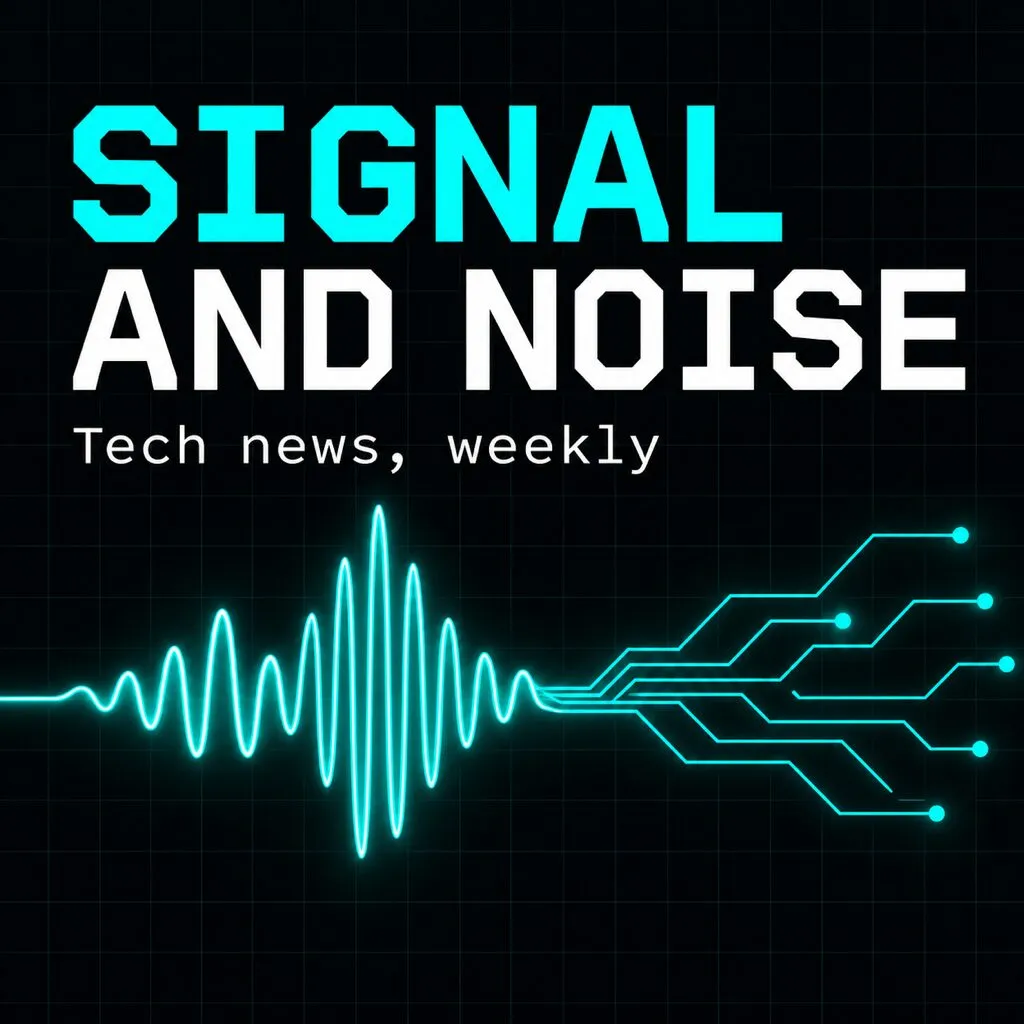
Master design
3000 x 3000
Apple and Spotify
3000 x 3000
YouTube podcast
1280 x 1280
Video episodes
16:9
Is there a file size or DPI limit for podcast art?
Apple’s current pages set neither. Your podcast host might set a file size limit, and that’s the one that counts.
The famous “under 512 KB” rule comes from hosts, not Apple. Here’s what some popular hosts accept:
| Podcast host | Largest file |
|---|---|
| Acast | 512 KB |
| Riverside | 512 KB |
| Captivate | 1 MB |
| RSS.com | 5 MB |
| Transistor | 15 MB |
If your file is too big, lower the JPG quality a little. Don’t shrink it below 1400 pixels to make it fit.
DPI is a print setting. Apps only count pixels, so a 3000 x 3000 file looks the same at 72 or 300 DPI. One of Apple’s older spec pages still says 72 DPI, which is where that rule comes from.
What do Apple’s artwork error messages mean?
Each one points to a single problem you can fix in a few minutes. These are the messages on Apple’s artwork troubleshooting page:
| Error | What’s wrong | The fix |
|---|---|---|
| Alpha Channel not supported | Your PNG has transparency | Export as a JPG, or fill the background and export the PNG again |
| Colorspace not supported | The file is CMYK or grayscale | Convert it to RGB and export again |
| File does not meet dimension requirements | It isn’t square, or isn’t 1400 to 3000 px | Export at exactly 3000 x 3000 |
If you get the size error with a file you know is 3000 x 3000, open the image link in your RSS feed and check its real size. One podcaster hit this error with a 3000 pixel file and found their website was serving Apple a 300 pixel copy.
The same page has one more requirement that trips people up: the server holding your image has to tell Apple when the file last changed. Podcast hosts do this for you. A file sharing link often doesn’t, so keep your art on your podcast host.
Why isn’t your new podcast art showing up?
Because apps only fetch a new image when the file name changes. Upload your new art with a new name, like cover-v2.jpg, then refresh your feed.
Apple says to use a new file name when you change your artwork, and that updates show up within 24 hours. Spotify’s spec says the same thing in reverse: a changed image isn’t downloaded again unless its file name or path changes.
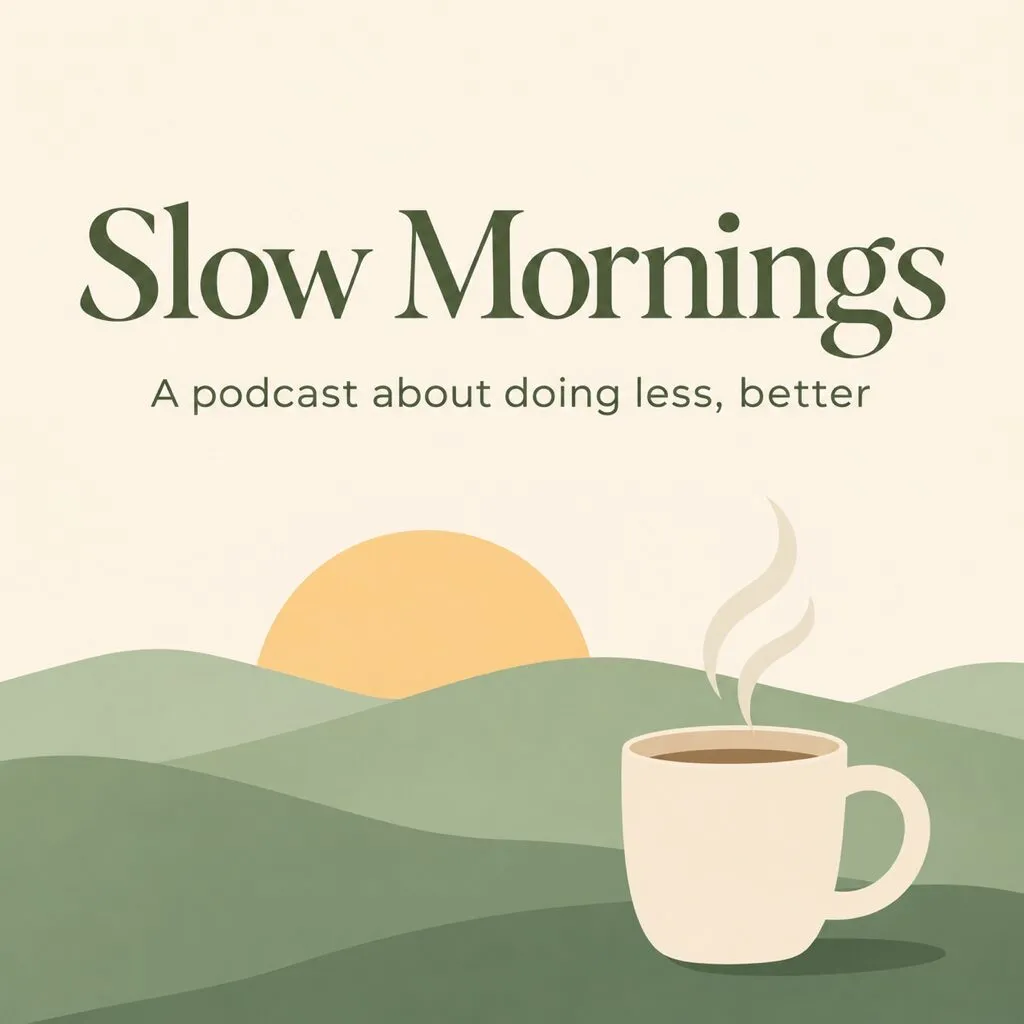
New art
cover.jpg
In the app
Slow Mornings
Old art stays
New art
cover-v2.jpg
In the app
Slow Mornings
New art shows up
To change your art cleanly:
- Export the new art with a new file name.
- Upload it to your podcast host.
- Refresh your feed in Apple Podcasts Connect.
- Update it in YouTube Studio separately.
- Give it a day. Your own phone may keep the old cover longer than your listeners’ phones do.
How to rebrand without losing listeners
Your subscribers find your show in their library by its cover. When you change it, keep one thing they already recognize: the main color, the title lettering or the shape. Then say it on the show: new look, same show.
Do you need episode art?
Not for most audio listeners. It matters most on YouTube and social media.
Apple’s episode art template uses the same size and format rules as your show cover. Apple shows it on Now Playing, the lock screen and episode pages, and falls back to your show cover when there isn’t one. It asks you to avoid your logo and any text.
A few things to know before you commit to it every week:
- On Spotify, it’s hard to undo. If your show is hosted on Spotify for Creators, episode art can only be added on the web, and once you add it you can’t fully remove it.
- Some apps hide it by default. Pocket Casts listeners on iPhone and Android only see it if they turn on “Use episode artwork” in settings.
- It needs full size too. Episode art below Apple’s 1400 pixel minimum may never show at all.
Where episode art pays off is video. On YouTube, a wide thumbnail with a guest’s face and a few words is what people click. A weekly show that films its episodes needs about 50 of those a year, each one different and all of them on brand. That’s usually the first job a busy host drops.
How do you make podcast art that stands out in a tiny square?
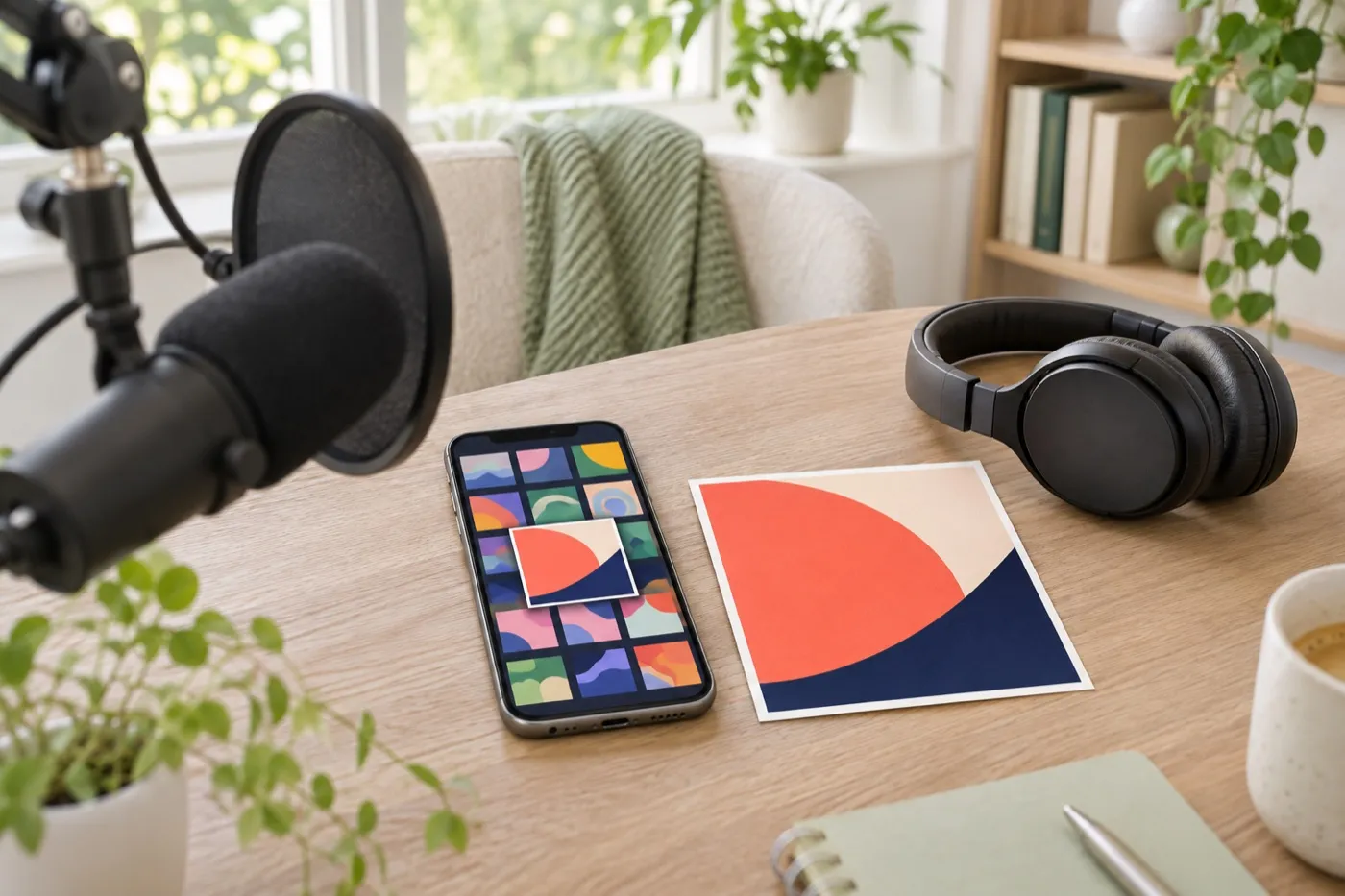
Give it one big title and one strong image, and nothing else. Most people meet your show as a small square in a grid, next to dozens of others in the same category.
Apple’s own template asks for a clear, prominent title and little other text. It also suggests nudging a pure black or pure white background a shade off, so your cover doesn’t melt into the app. The rest comes from what keeps working in practice:
- Title plus two things, at most. Every extra element makes the rest smaller.
- Skip the microphones, headphones and sound waves. Half the shows in any category use them, so they make you look like everyone else.
- Show the genre. A true crime show, a comedy and a business show should look different before anyone reads a word.
- Test it next to real shows. Screenshot your category in a podcast app and put your cover in the grid. Can you read the title? Would a stranger know what the show is about?
Wellness
Top shows
This is the part no checker does for you. Show art has one job: tell a stranger what your show is about before they press play. That’s the brief behind every one of our podcast cover examples.
What should you check before you upload?
Run through this before you submit or change your art.
- Square, 3000 x 3000 pixels
- JPG, in RGB, with no transparency
- Under your host's file size limit
- A new file name if you're replacing old art
- Title readable at thumbnail size, with little other text
- No Apple logos, devices or "Listen on" badges
- Every image licensed, with no watermarks
- A 1280 x 1280 version uploaded in YouTube Studio
- A 16:9 version for filmed episodes
- Easy to spot next to other shows in your category
Podcast art questions people ask
Can podcast cover art have a transparent background?
No. Apple rejects transparency with an "Alpha Channel not supported" error. Fill the background with a color and export a JPG.
Should I use a JPG or a PNG?
Both work on Apple and Spotify. A JPG is usually much smaller, which helps if your host has a file size limit. If you use a PNG, make sure it has no transparency.
Should my face be on my podcast cover?
Only if people already know your face. For most new shows, a clear title and one image about the topic tell a stranger more than a headshot does.
Can I use AI to make my podcast cover?
Apple only asks that you have the rights to every image, so check that your AI tool allows commercial use. Some listeners, especially fans of fiction podcasts, read obvious AI art as a sign of a low-effort show.
What is Apple's full page show art?
A tall 2048 x 2732 image Apple uses when it features a show. You only need it if you submit your show to be featured.

Written by
Maya Chen, Design lead at Viewmize
Maya helps creators build brands people recognize at a glance. She has designed covers, channel art and press kits for independent musicians, podcasters and YouTubers.
Ask Maya's team a question
 Maya Chen ·